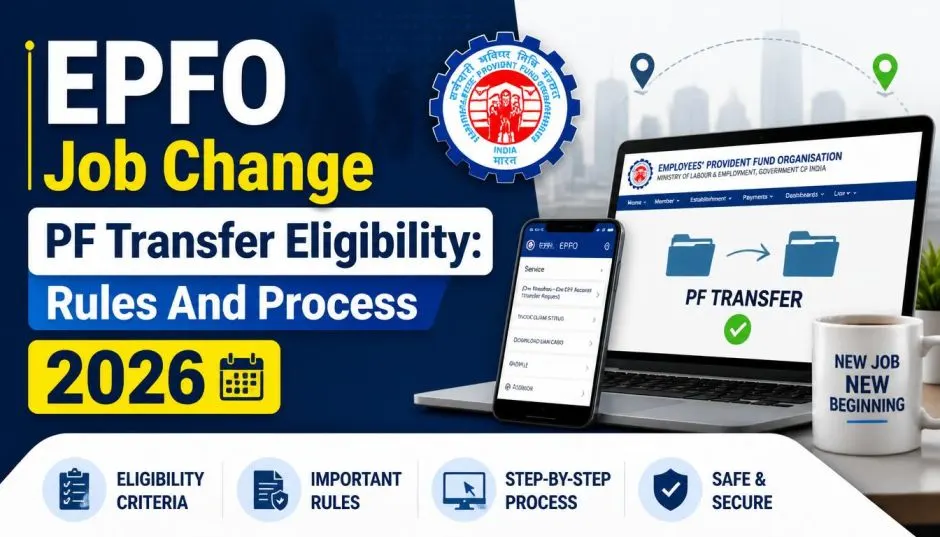
EPFO Job Change PF Transfer Eligibility: Rules And Process 2026
I still remember the panic I felt when I left my first job. I had no idea what to do with my Provident Fund. Should I withdraw it? Transfer it? Leave it alone? A colleague told me to just withdraw it. "It's your money," he said. "Take it and run."
I almost listened to him. Thank God I did not.
That decision would have cost me years of compounded interest. And I would have lost my continuous service record. That matters when you are calculating pension benefits years down the line.
I have changed jobs four times since then. Each time, I have transferred my PF. And each time, the process has gotten easier. The rules have changed significantly in 2026. Here is everything you need to know about EPFO Job Change PF Transfer Eligibility and the new system.
What Changed in 2026?

The Employees' Provident Fund Organisation (EPFO) introduced a major reform in 2026. They migrated their entire member database to a new platform called Centralised IT Enabled Services (CITES).
Read Also: Haryana Promotes AI Skills via iGOT Karmayogi Platform
This change brought automatic PF transfers.
Now, if your UAN is linked with Aadhaar, your PF balance will transfer automatically when you join a new employer. No separate request needed. No paperwork. No waiting.
The change follows EPFO's migration to the CITES platform, which centralises member records and service delivery.
Who Is Eligible for Automatic Transfer?
Not everyone qualifies for automatic transfer. Here is the eligibility criteria.
Your UAN must be linked with Aadhaar. This is non-negotiable. If your UAN is not linked, you will still need to file a manual transfer request. Your UAN must be active. An inactive UAN can block access to EPFO services, including online transfers.
Your previous employer's PF account must be valid. The system needs to recognise the account. Your new employer must be registered with EPFO and have activated your UAN.
What If You Are Not Eligible?
If your UAN is not Aadhaar-linked, you cannot use the automatic transfer facility. You will need to initiate a manual transfer request through the EPFO member portal.
The good news is that the manual process has also been simplified. EPFO has removed employer approval for most online transfer claims. More than 94% of transfer claims are now processed without employer intervention.
Two Ways to Transfer Your PF Online
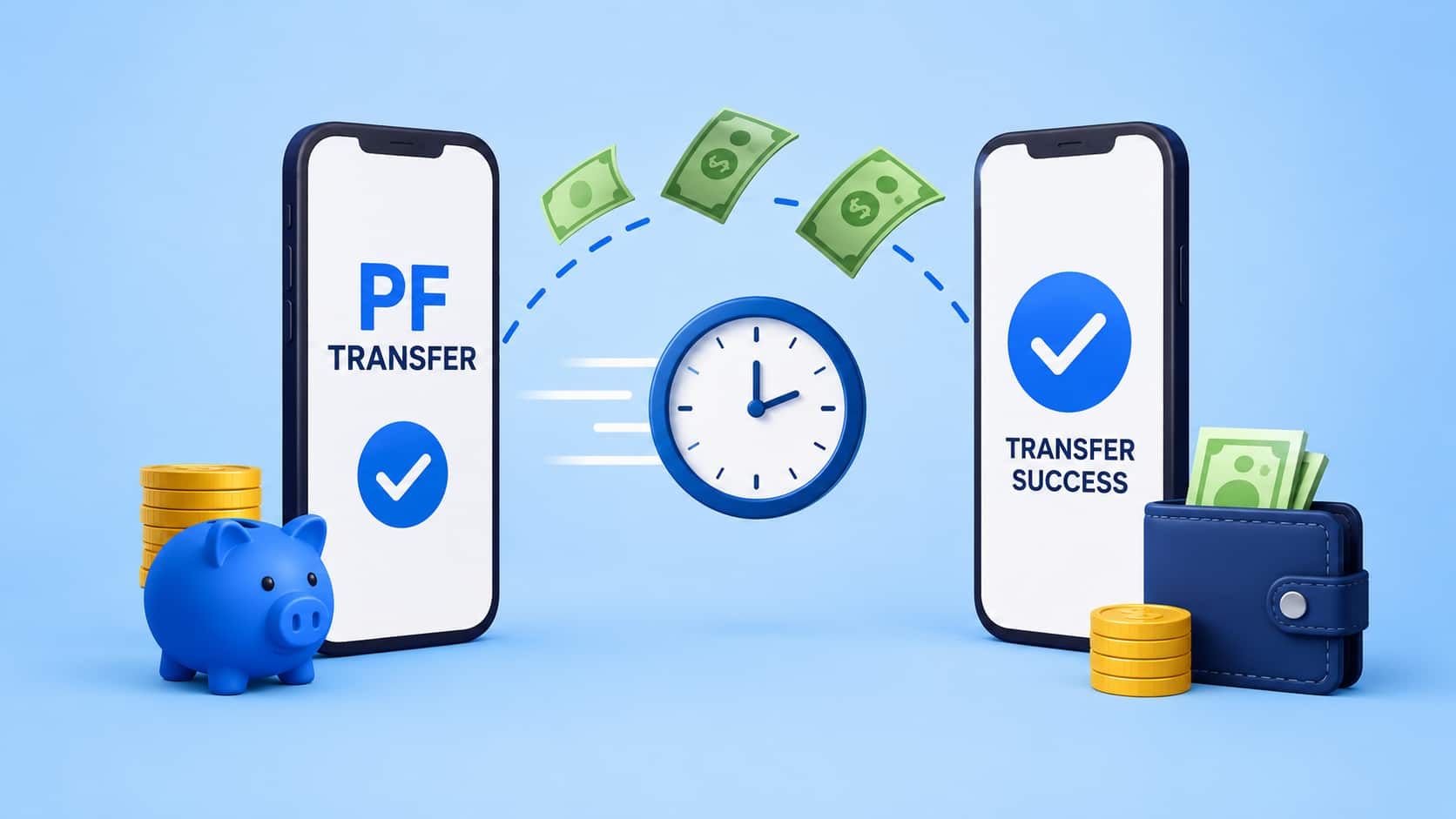
If you need to initiate a manual transfer, EPFO now offers two routes.
Route 1: Request for Transfer of Account
This is the traditional method. Log in to the EPFO member portal. Go to Online Services. Select "One Member – One EPF Account (Transfer Request)".
Enter details of your previous PF account. Verify the information. Submit the request.
Route 2: Member Service History
This is a new option introduced with the upgraded platform.
Go to the Service History section. View your employment records. If no transfer request is pending, you can initiate a Service Transfer Claim through Form 13.
This route gives you another way to access the transfer facility without navigating separately through the Online Services menu.
The Step-by-Step Process
Regardless of which route you choose, the process is similar.
Log in to the EPFO Unified Member Portal using your UAN and password.
Navigate to Online Services and select "One Member – One EPF Account (Transfer Request)".
Enter the previous employer's Member ID and other required details.
Verify the information and fetch account details.
Authenticate the request using the OTP sent to your Aadhaar-linked mobile number.
Check whether the destination EPF account linked to your current employer is correct.
Submit the request for EPFO processing.
Once approved, the PF balance from your earlier employment is transferred to your current EPF account.
Who Approves the Transfer?
Under the new system, approval at the destination EPF office has been eliminated. Once the source office approves the transfer, the balance is transferred automatically to the new account.
This significantly reduces processing time. EPFO estimates that more than 1.25 crore members will benefit from this change.
Why Transfer Instead of Withdraw?
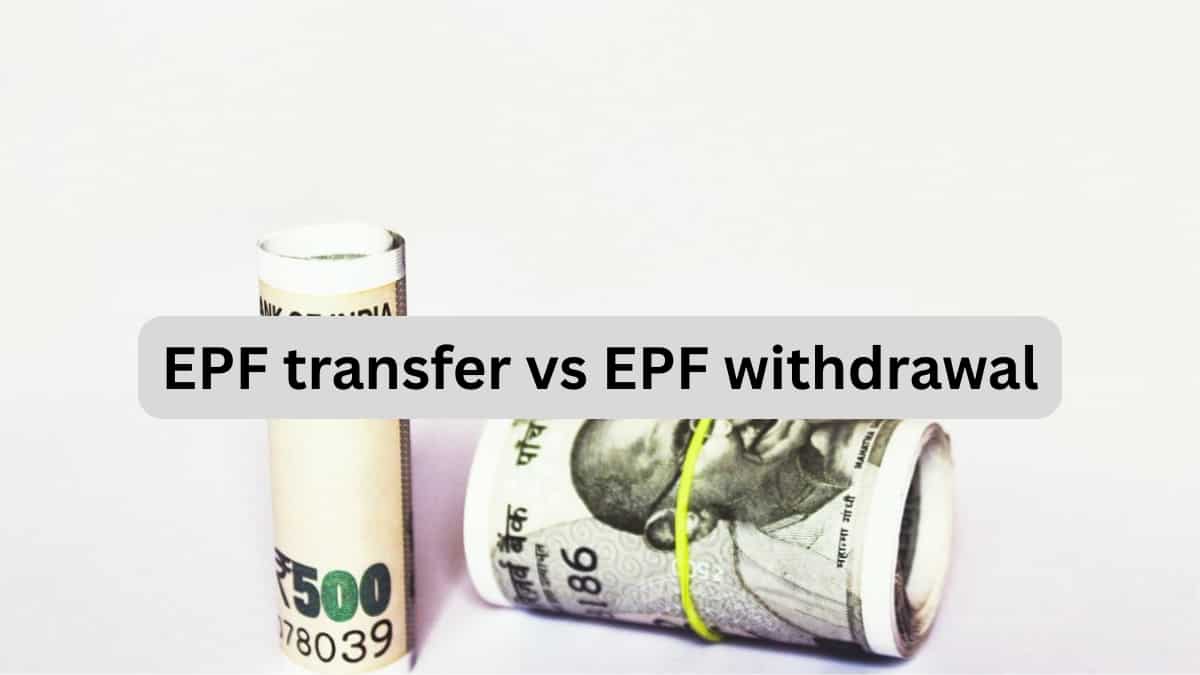
This is the question I get asked most often. And it is the most important one.
You Must Also Like: Reliance Share Price Today: Live Updates And Market Trends
When you change jobs, you have two options. Withdraw your PF balance. Or transfer it to your new employer.
Transferring is almost always the better choice.
The Benefits of Transferring
Your retirement corpus remains consolidated. Instead of having multiple inactive accounts scattered across different employers, everything stays in one place.
Your continuous service history is maintained. This matters for pension calculations. If you withdraw, your service record breaks. If you transfer, it continues.
You continue earning EPF interest on the transferred balance. Withdrawal means you lose out on future interest. You avoid maintaining multiple inactive PF accounts. That makes it easier to track your savings.
You avoid tax deducted at source (TDS) that may apply in certain premature withdrawal cases. Withdrawal before five years of continuous service can attract TDS. Transferring avoids this entirely.
Your PF balance remains tax-free. If you withdraw before five years of continuous service, the amount becomes taxable. If you transfer, it stays tax-free.
When Withdrawal Might Make Sense
There are situations where withdrawal is the better option.
If you are leaving the organised sector permanently and will not have another EPF account. If you need the money urgently for a genuine emergency. If you have completed five years of continuous service and the withdrawal is tax-free.
But for most people, transferring is the smarter long-term decision.
How to Check Your PF Transfer Status?
Once you have submitted a transfer request, you will want to track it.
Track Claim Status Online
Log in to the EPFO Unified Member Portal.
Go to Online Services and select "Track Claim Status".
The initial status displayed is usually "Pending with the employer".
Check Service History
You can also check your employment history through the Service History feature.
Log in with your UAN and password. Complete OTP authentication. Select the Service History section.
This displays details such as previous and current employers, dates of joining and exit, along with EPF and EPS membership history.
Download Annexure K
Once the transfer is complete, a Transfer Certificate (Annexure K) is generated by the previous PF office and sent to the new PF office.
You can now download Annexure K in PDF format directly from the member portal.
Missed Call Service
You can also give a missed call on 9966044425 from your registered mobile number to receive an SMS with your claim status.
What If You Have Multiple Old PF Accounts?
This is common. I had three inactive PF accounts from previous jobs before I consolidated them.
EPFO has introduced a Service History feature to help you identify all your accounts. It gives you a consolidated view of your employment and PF records linked to your UAN.
If you find an old account you had forgotten about, you can trace it using E-PRAAPTI (Employee Provident Fund Aadhaar-Based Access Portal for Immediate Information), a platform launched by EPFO in April 2026.
Once you locate the old account, you can transfer it to your current employer's account using the same transfer request process.
Common Mistakes to Avoid
I made some of these mistakes myself. Learn from my experience.
Not Linking Aadhaar with UAN
This is the most common mistake. If your Aadhaar is not linked, automatic transfer will not work. And even manual transfers will take longer.
Not Updating KYC Details
Before filing a transfer request, ensure your bank account, PAN, and other KYC details are updated and verified.
Assuming the Transfer Is Instant
Even with the new system, transfers take time. The system needs to process the request. The source office needs to approve it. Be patient. Check the status regularly.
Not Checking Service History
I did not check my Service History for years. When I finally did, I realised one of my old employers had not updated my exit date. That caused a delay in my transfer claim. Check your Service History regularly. Verify that all details are correct.
What the New System Means for You?
The automatic transfer facility is a game-changer. It removes one of the biggest hassles of changing jobs.
But it only works if your UAN is Aadhaar-linked. If it is not, you still need to file a manual request.
Either way, the process is simpler than it used to be. Employer approval has been removed for most claims. Processing time has been reduced. You can track your claim status online.
The Final Thoughts
EPFO has made PF transfers significantly easier in 2026. If your UAN is linked with Aadhaar, your PF balance will transfer automatically when you change jobs. No separate request needed.
If you are not eligible for automatic transfer, you can still file a manual request through the member portal. The process takes a few minutes. The benefits are long-term.
Transferring your PF instead of withdrawing it preserves your continuous service record. It keeps your retirement savings growing. It avoids unnecessary tax complications.
Do not make the mistake I almost made. Do not withdraw your PF just because it seems easier. Transfer it. Your future self will thank you.
And if you are unsure about your eligibility, log in to the EPFO member portal today. Check your UAN status. Verify your Aadhaar linkage. Review your Service History.
A few minutes of effort now can save you years of regret later.